Frequently Asked Questions
How to Play the Game
Taking, using and dropping items (key-based).
Taking items.
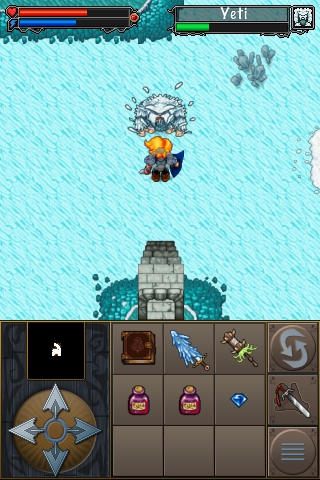
Sometimes monsters drop objects after they have been killed. To pick up loot move your character over the item and select the option "Take" from the menu. A cursor will appear in your backpack and you can now select the slot in which you would like to place the item by using the directional keys. Press the "Ok/execute"-key to place the item in the desired slot.
Using items.
To use items (to drink potions, to use a sword, to put on or take off armour, etc.) please select the option "Use" from the menu. Move the cursor in your inventory on the desired item and press the "OK/execute"-key to use it.
Dropping items.
To drop an item on the map, please select the option "Drop" from the menu. Move the cursor in your inventory onto the item you would like to throw away and press the "OK/execute"-key. The item will now be dropped at your character's feet.